



TyreRoute
Power BI Report Distribution System
Features & Screenshots
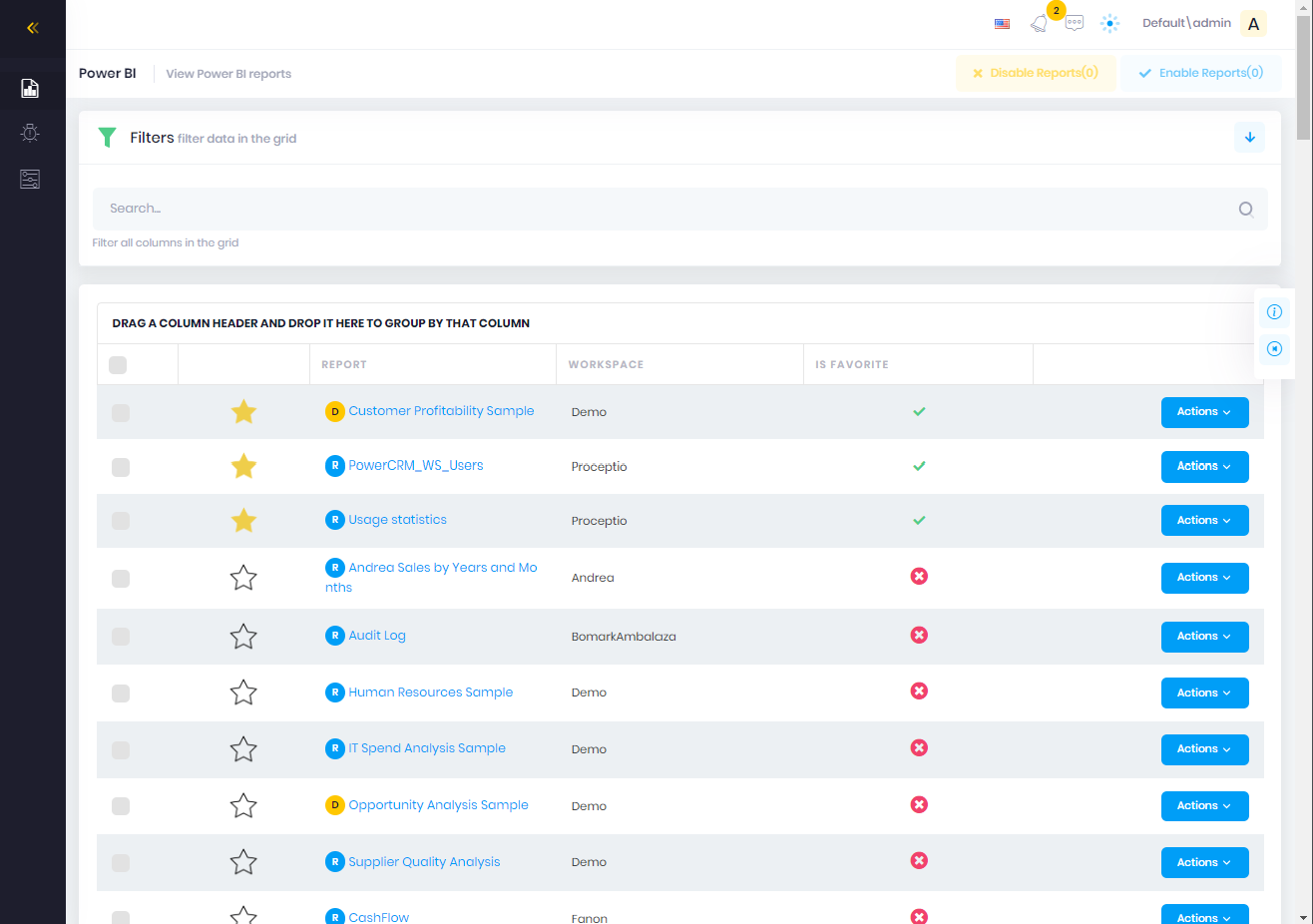
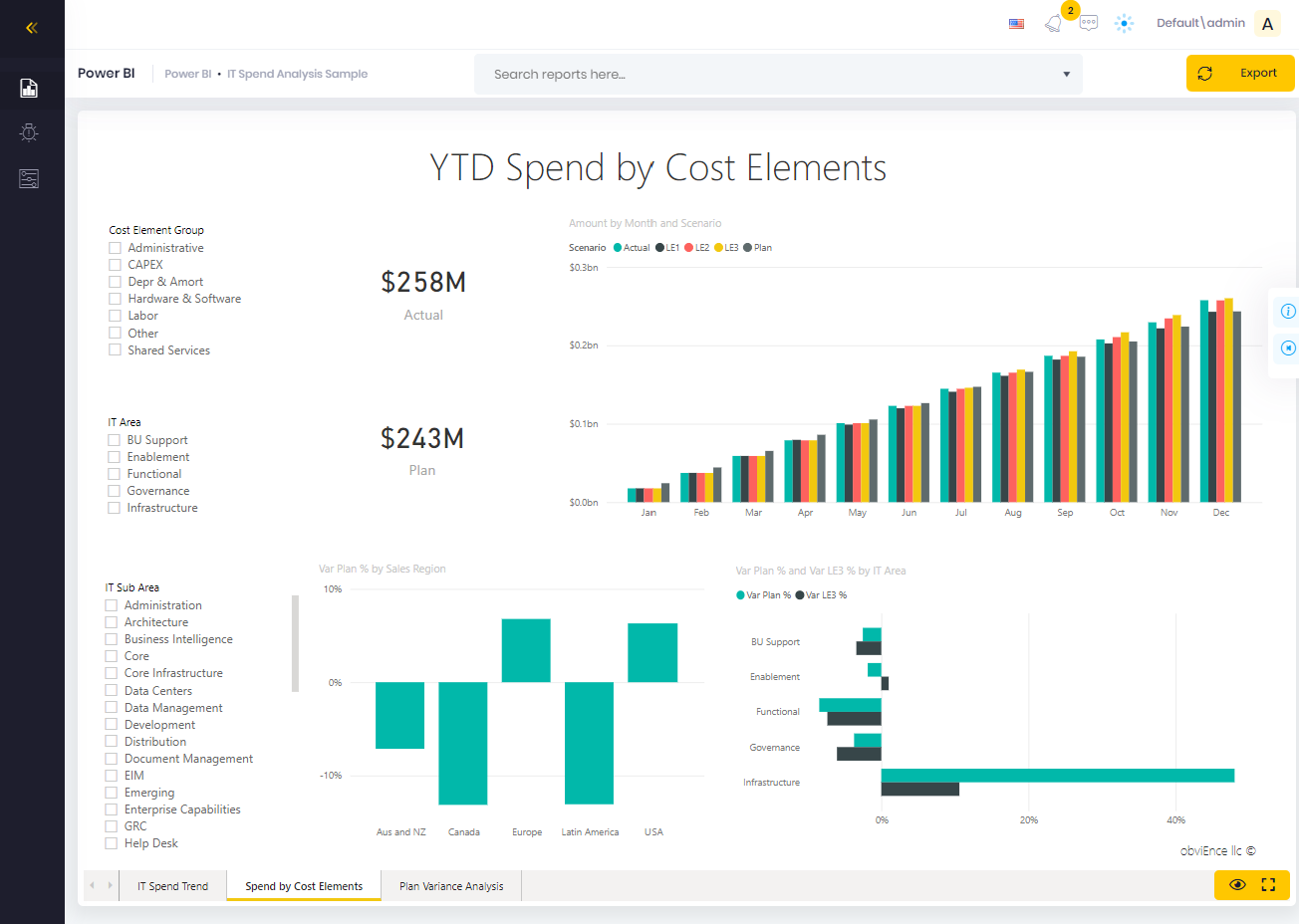
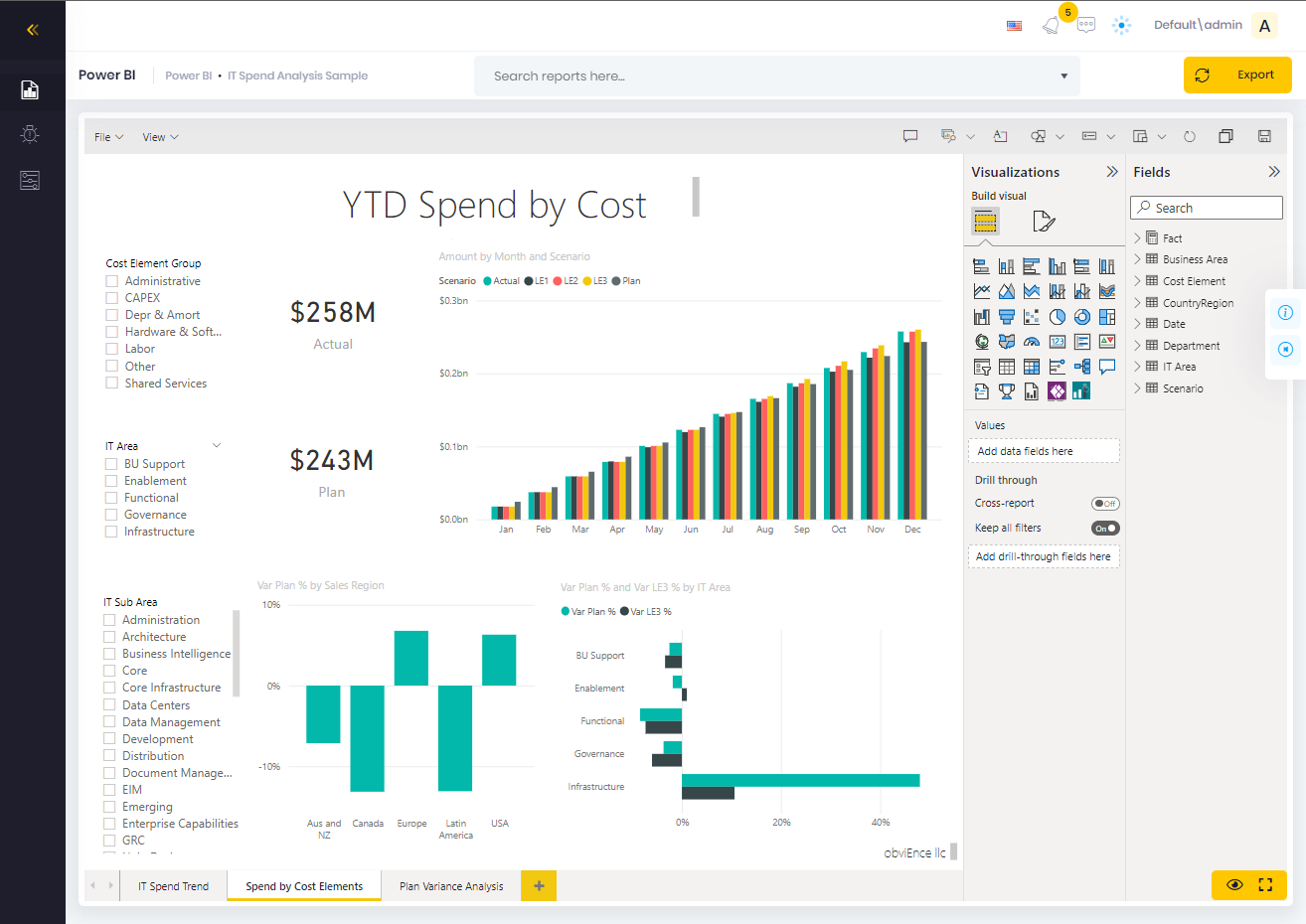
Sharing of the Power BI reports and dashboards
No need for the Power BI Pro licences
Power BI capacity control (stopping when not used)
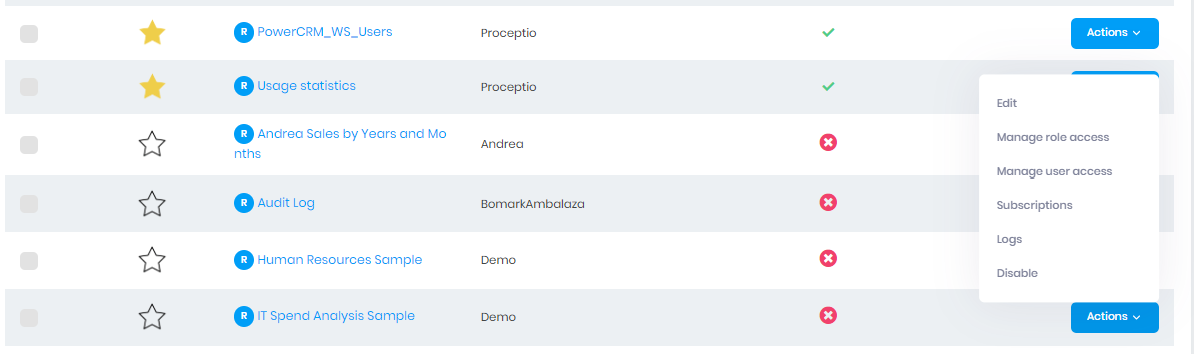
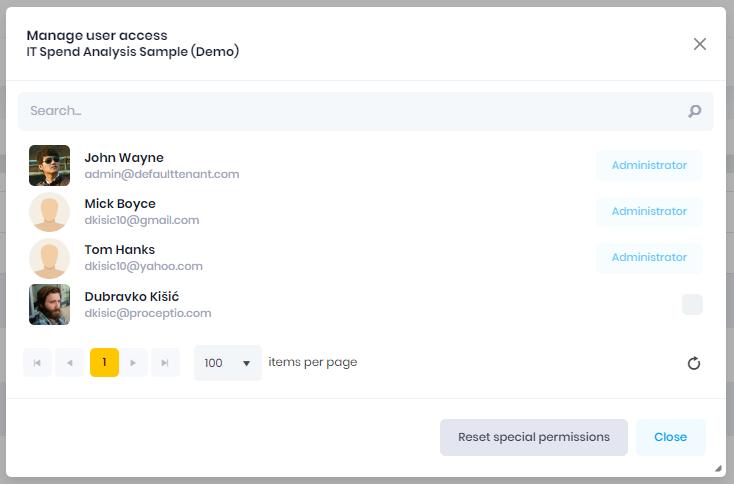
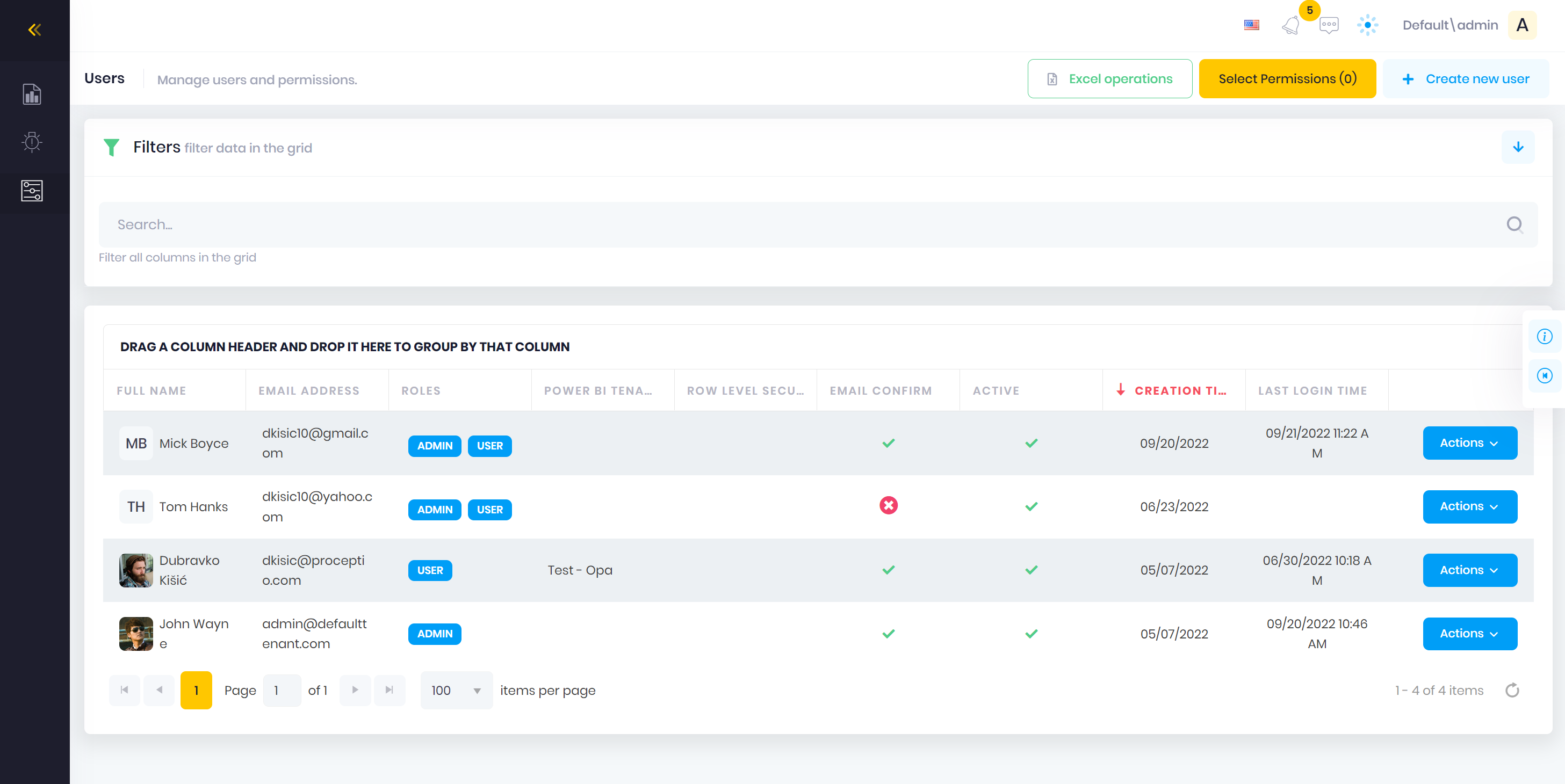
User & Role Management
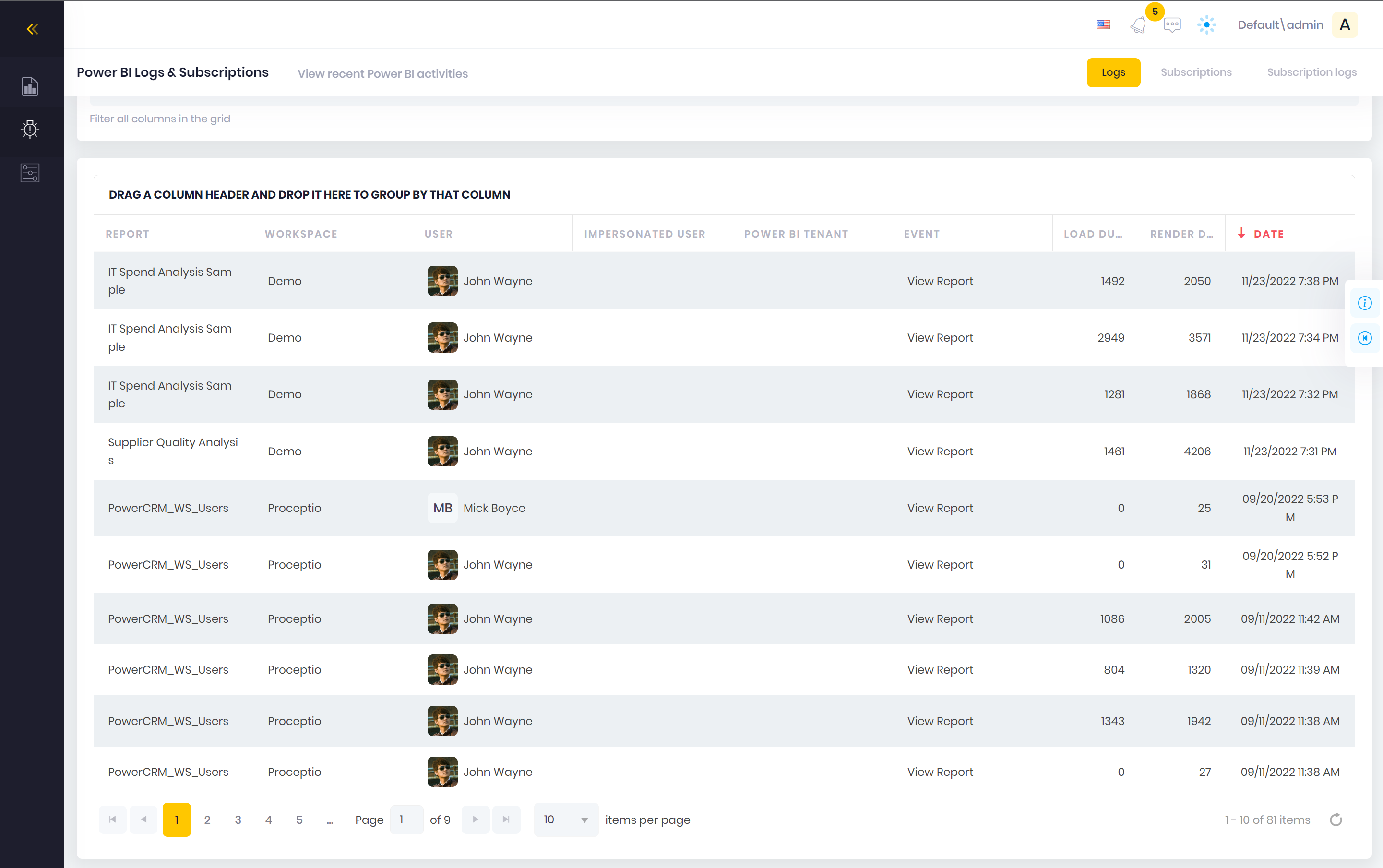
Full Audit Log
RLS & Managing Report Access
Refreshing datasets directly from the app
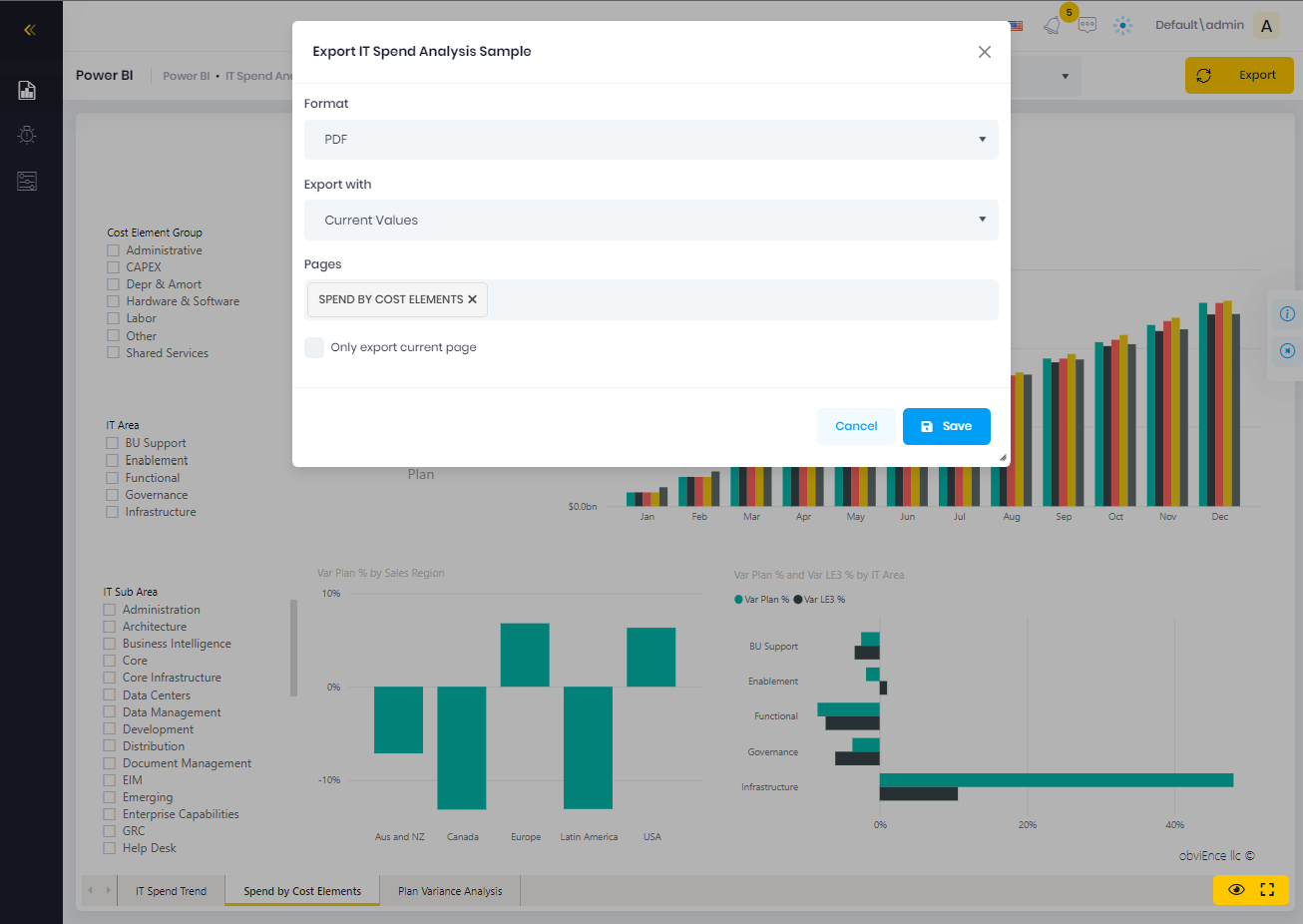
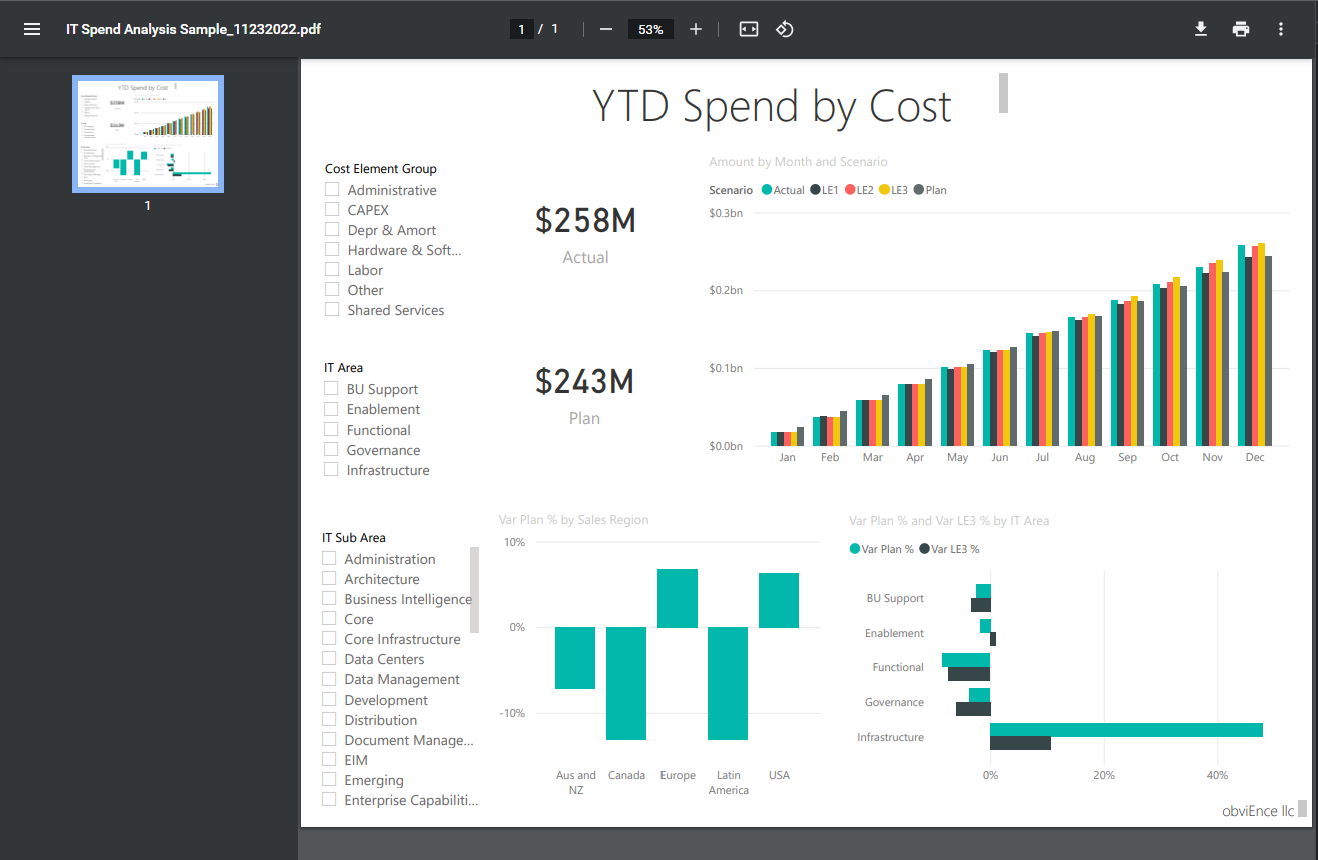
Exporting the reports (PDF, PPTX or PNG)
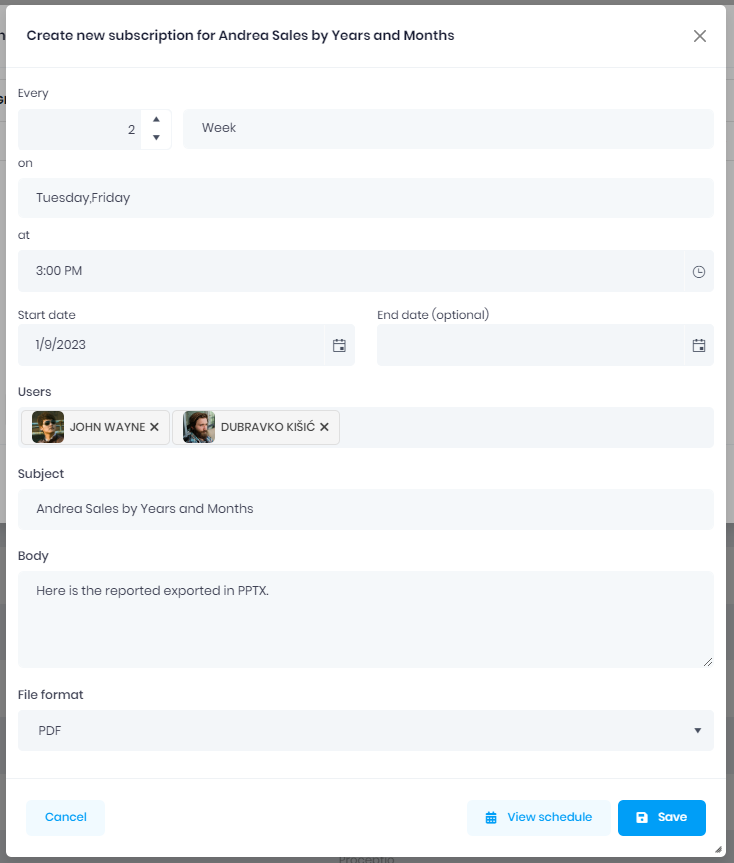
Subscriptions (e.g. sending exported report via email every day)
Report editing within the app
slide 3 of 4
2
Embedded Power BI Report
We Make Things Better
Save thousands to millions by using a single tool
for embedding and sharing your reports
for embedding and sharing your reports
0
0
0
How it Works
TyreRoute embeds your Power BI reports and dashboards
and makes it easy to control who can access them.
and makes it easy to control who can access them.

1
Set up Power BI Embedded capacity
Create Power BI Embedded capacity
and assign the workspaces you want to share
to that capacity.
and assign the workspaces you want to share
to that capacity.

2
Generate the service principal
Generate a service principal in Azure
and grant it workspace access.
and grant it workspace access.

3
Start using the app
Import the reports into TyreRoute,
add users and roles,
and start using your embedded reports.
add users and roles,
and start using your embedded reports.
Our team
A small team that eats and breathes code.
Here to make Power BI embedding painless for you.
Here to make Power BI embedding painless for you.
slide 8 to 10 of 7
Licensing
Basic
Best settings for smaller companies
User & Role Management
Embedding Reports
RLS & Managing Report Access
Dataset Refresh
Export feature
Subscriptions / Recurring Mails With Exported Reports
Business
Best settings for business
User & Role Management
Embedding Reports
RLS & Managing Report Access
Dataset Refresh
Export feature
Subscriptions / Recurring Mails With Exported Reports
Enterprise
Best settings for enterprise
User & Role Management
Embedding Reports
RLS & Managing Report Access
Dataset Refresh
Export feature
Subscriptions / Recurring Mails With Exported Reports
What our clients say
Customers rely on TyreRoute to solve their pain points and to share their Power BI reports without friction.
Read their stories.
Read their stories.
A great way to share
the Power BI reports
the Power BI reports
As a project manager in my company, I struggled a lot with managing the access to the reports. TyreRoute made that super easy and intuitive. Our users also love the subscriptions feature.

Paul Rojas
Project Manager
Using it is much faster than using
the regular Power BI service
the regular Power BI service
In Power BI service first I needed to locate the workspace and then the report. In TyreRoute I can quickly jump from one report to another regardless of the workspace.

Rebecca Pearce Feldman
Senior Accountant
Saved me from
Azure AD hassle
Azure AD hassle
I had trouble with Azure AD and managing the users. Now I can create a user with a couple of clicks in TyreRoute, assign the reports and that's it!

Leon Hofmann
IT Strategist
Start with TyreRoute today!
Request a free demo and a 30-day trial